I installed Home Assistant for a petty reason: I was tired of asking a cloud, politely, whether my own living room lights were on. Apple’s ecosystem worked until you owned a non-Apple device; Google’s worked until it needed the internet to turn on a bulb in the same room as the switch. I wanted the automations local, the data mine, and the integrations open.
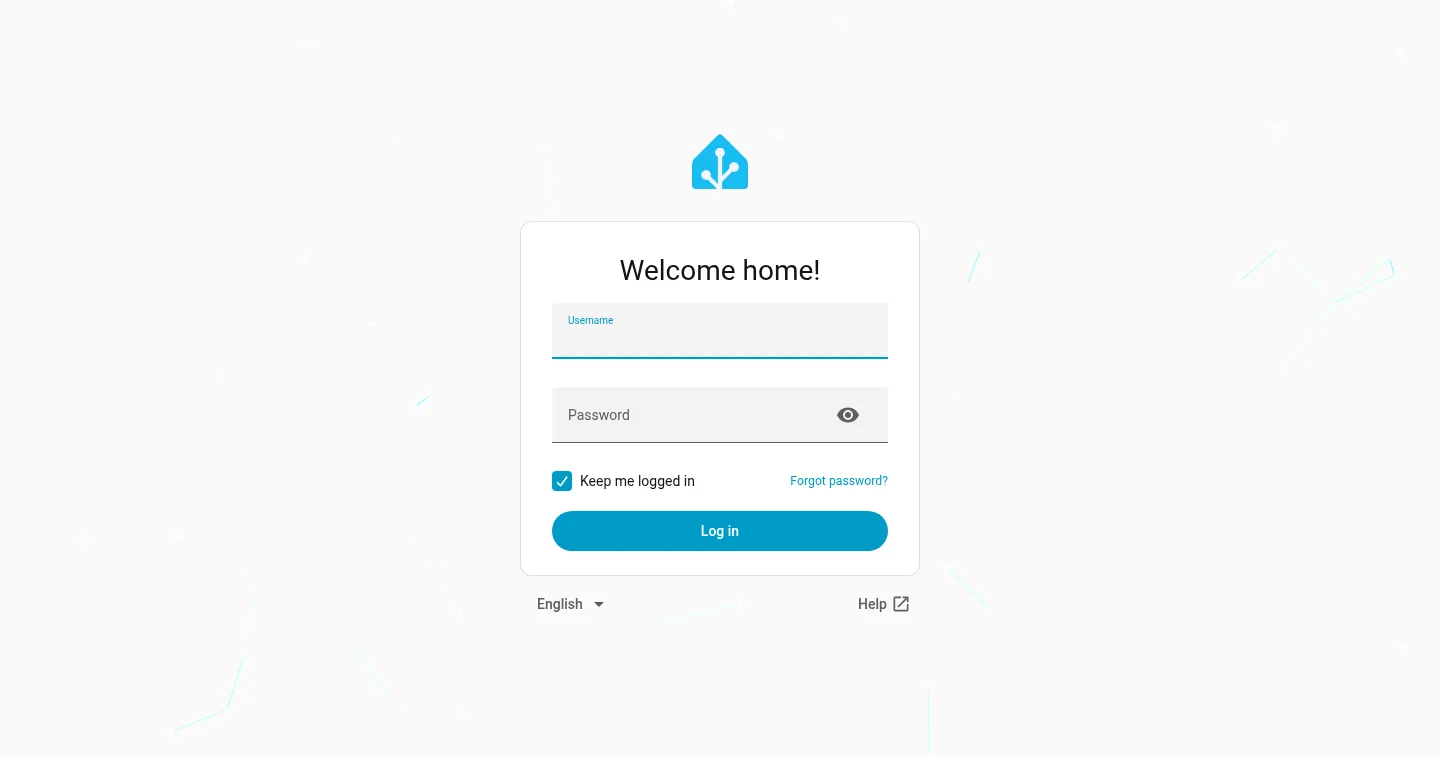
That was the plan. What actually happened is that Home Assistant became the nervous system of the house — the layer everything else plugs into.
Presence-based lighting
The foundational automation: the house knows who’s home and lights accordingly. Phone presence (with WiFi and GPS fusion so it doesn’t flap) drives it — lights come on in the rooms people actually move to, and the whole house powers down when the last person leaves. No schedules to maintain, no “who left the hall light on” — the house tracks occupancy itself.
The detail that makes it feel magical rather than janky: room-level presence. Lights follow people between rooms with a short decay, so walking to the kitchen at night lights the path and dims the room behind you. Guests just experience a house that seems to pay attention.
Temperature control
Thermostat logic went the same way — from a schedule to a model. Temperature setpoints follow presence (comfort when occupied, relaxed when the house is empty, deeper setbacks overnight), with window/door sensors vetoing heat or AC when the house is open to the outside. It’s a modest saving on the bill and a large saving in “why is the AC running with the windows open.”
Whole-house audio
Music follows people too. Multi-room audio runs through Music Assistant, which bridges the speakers (AirPlay, Cast, and media-player integrations) to the music library — Navidrome for the family collection, with AudioMuse generating mood playlists from audio-feature analysis. “Play something calm in the kitchen” is a voice command, and the same pipeline powers the chore system’s announcements: when a kid scans an NFC tag on a finished chore, the house announces it through the speakers.
That announcement pipeline was a engineering lesson in latency budgeting — cloud TTS plus queueing takes seconds, so instant feedback lives on the tablet while the speakers handle the ambient layer.
The wall tablet
Every automation needs a surface humans can inspect. Ours is a wall-mounted tablet running a dashboard: the family calendar (from our Radicale CalDAV server), the chore system’s live status, music controls, climate, and the camera doorbell — one glance, zero apps.
The tablet is also the escape hatch that keeps automation trustworthy: when something behaves weirdly, anyone in the family can see state and override it directly. Automation without visible state feels like a haunted house; automation with a dashboard feels like a well-run one.
The part I didn’t plan: it becomes a platform
The reason Home Assistant ate my smart home is that it’s not really a smart home app — it’s an automation platform with an API. Once it was the center:
- The chore system’s NFC scanner reports tag scans through HA, which routes them to the chore backend and fires the speaker announcements.
- The calendar (Radicale) feeds the wall dashboard and presence logic.
- Voice control runs through Assist — locally, no cloud round trip.
- Every device, regardless of ecosystem, became an entity in one data model.
That’s the quiet superpower: build one automation hub with an open API, and every future project inherits the whole house as a component library. My advice to anyone starting: don’t automate devices, automate states — and put the hub somewhere it can grow.